On the App Store and Google Play
SpellStar
Spelling practice children choose to do. Built on the Department for Education word lists, and honest about where a child's data lives: their learning stays on the device.

Choose a British or American accent, and clearer slow speech
SpellStar 1.0.3, 6 September 2026
- Choose a British or American accent in Settings. Word lists and spellings stay aligned to the UK curriculum.
- Slow speech is clearer, so tricky words are easier to hear.
- Printable worksheets and word searches fit A4 and carry a QR code to download them, and Letter Pop and Word Builder suit the youngest year groups better.

The weekly spelling list, turned into a game worth playing
Every primary school child in England brings home a spelling list. SpellStar turns that list into thirteen different games, from the free Spell Cast mode to word scrambles and timed rounds, so practice happens because a child wants another go, not because a parent asked twice.
The words come straight from the curriculum: the Department for Education statutory lists from Reception to Year 6, plus whatever the teacher sends home that week.
-

-

-

-



Screens from the app
-
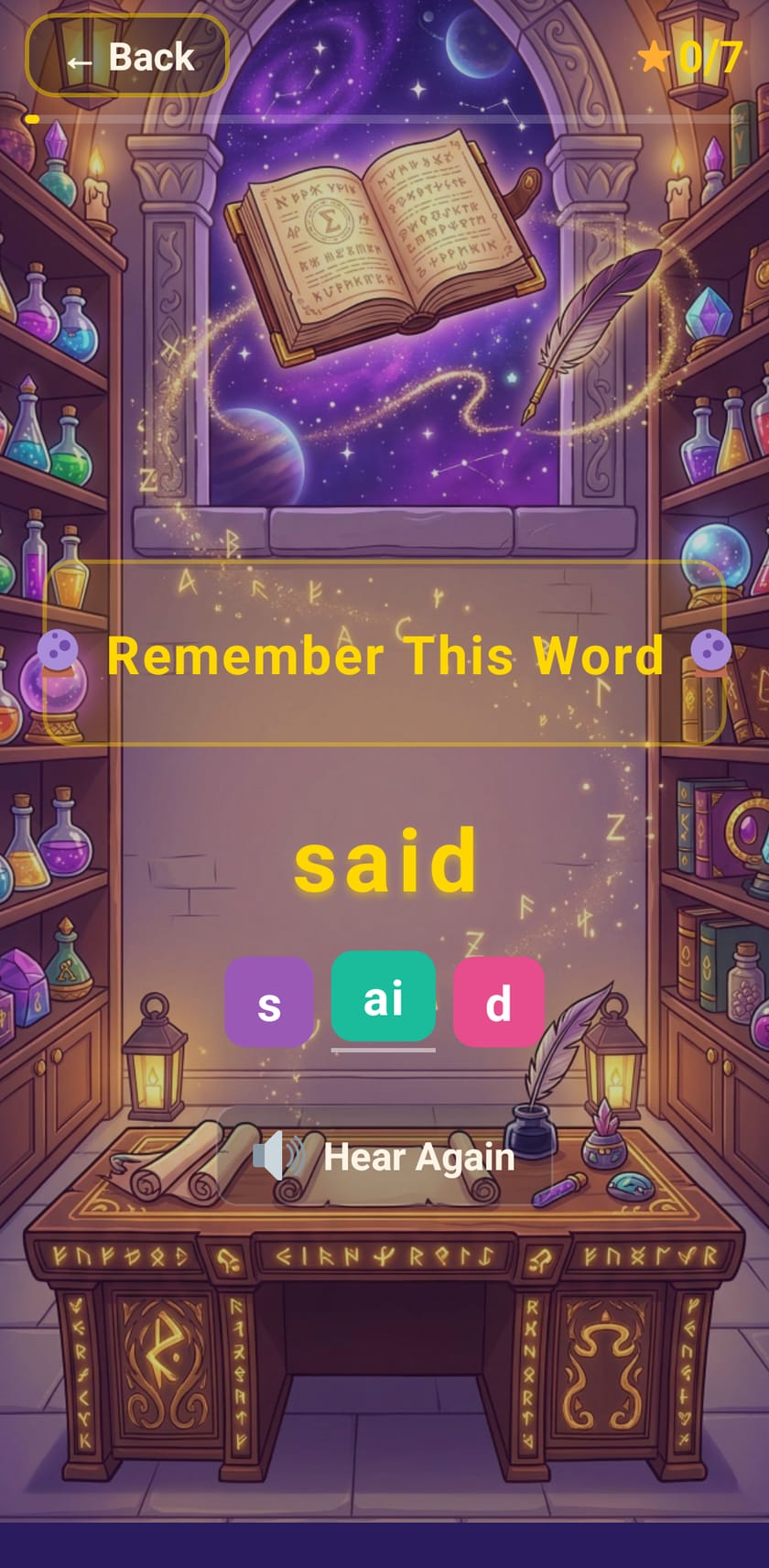
Spell Cast: see the word, remember it, then spell it -
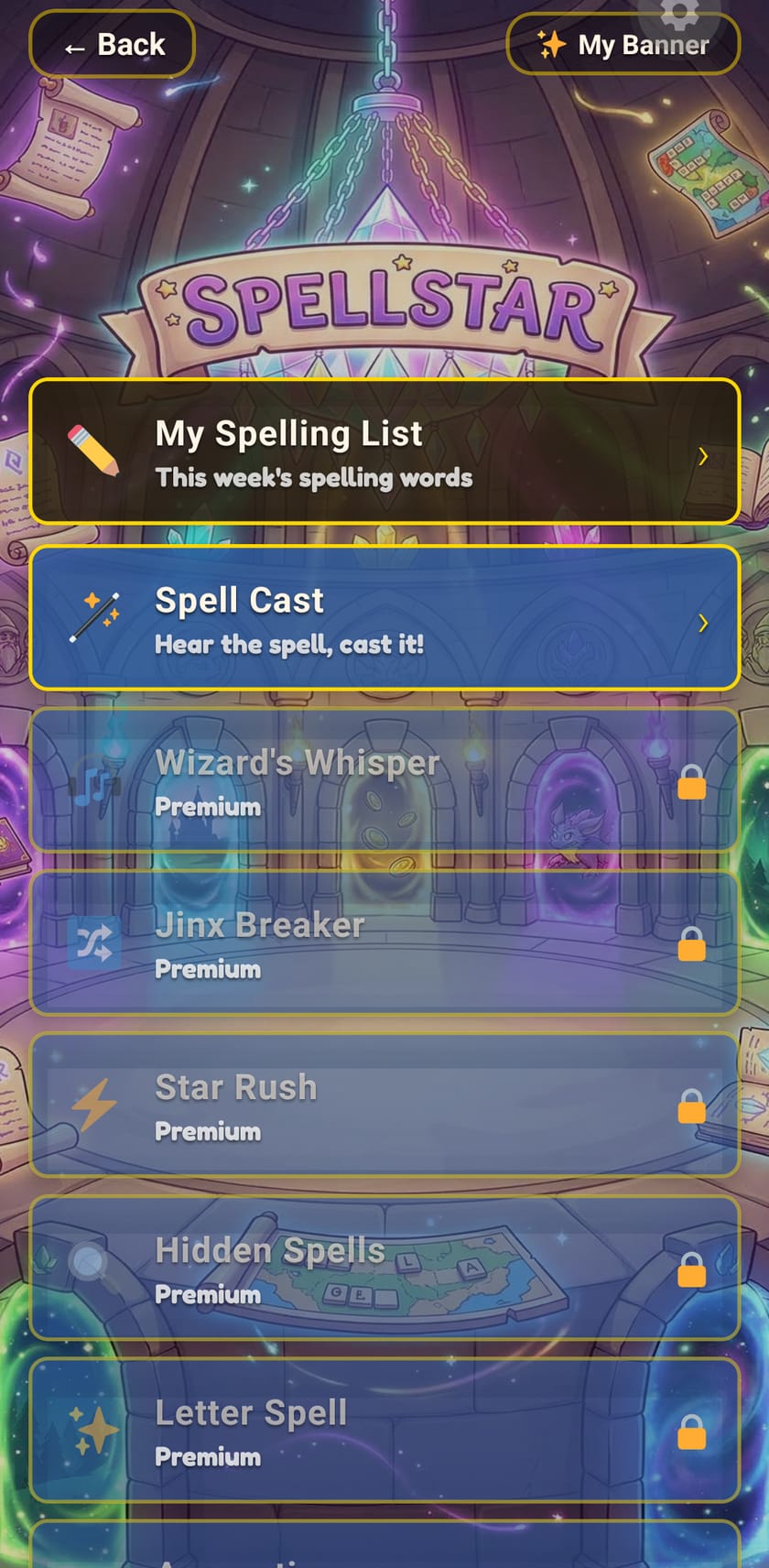
Thirteen games, Spell Cast free -
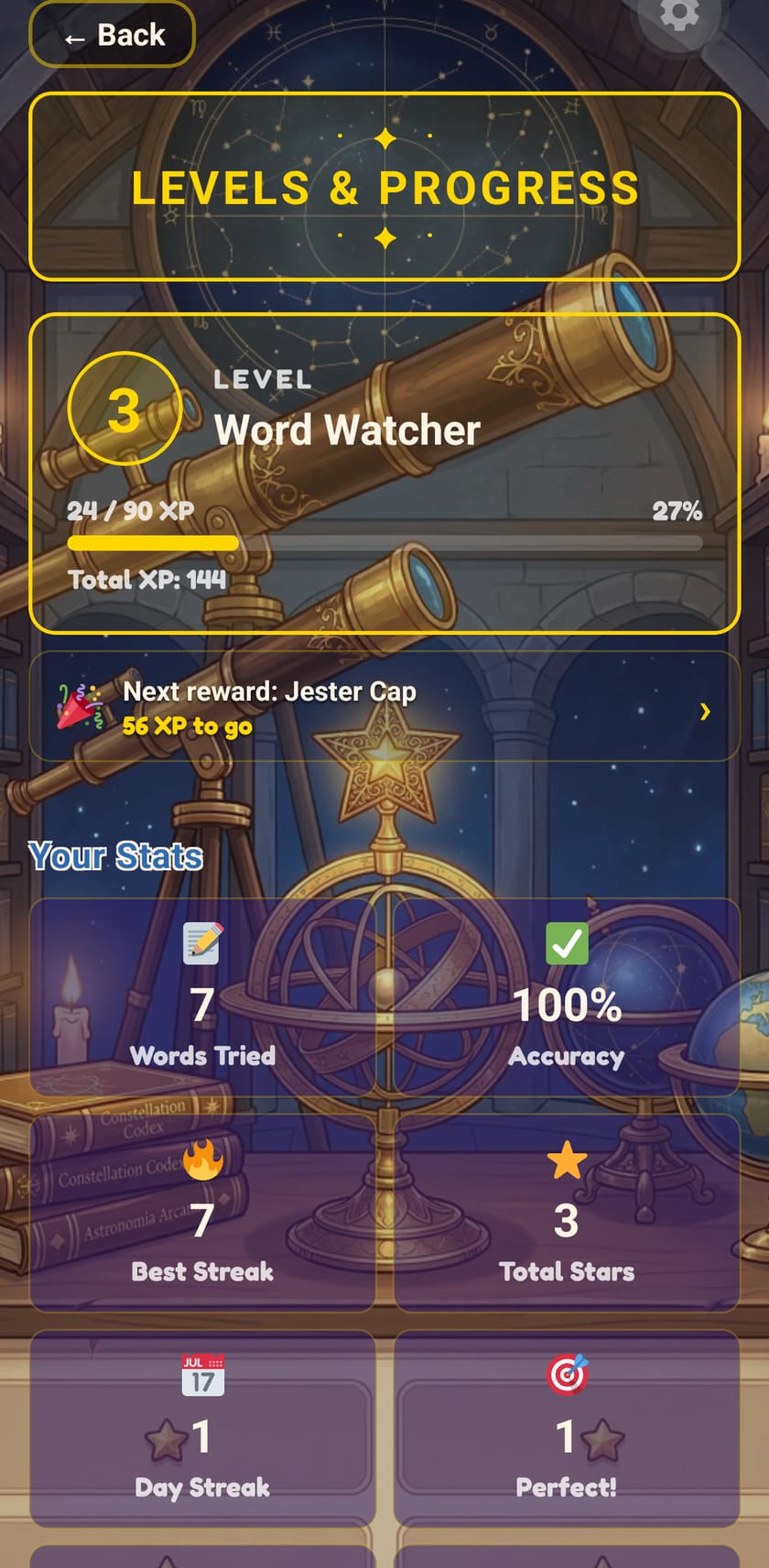
Levels, XP and streaks -
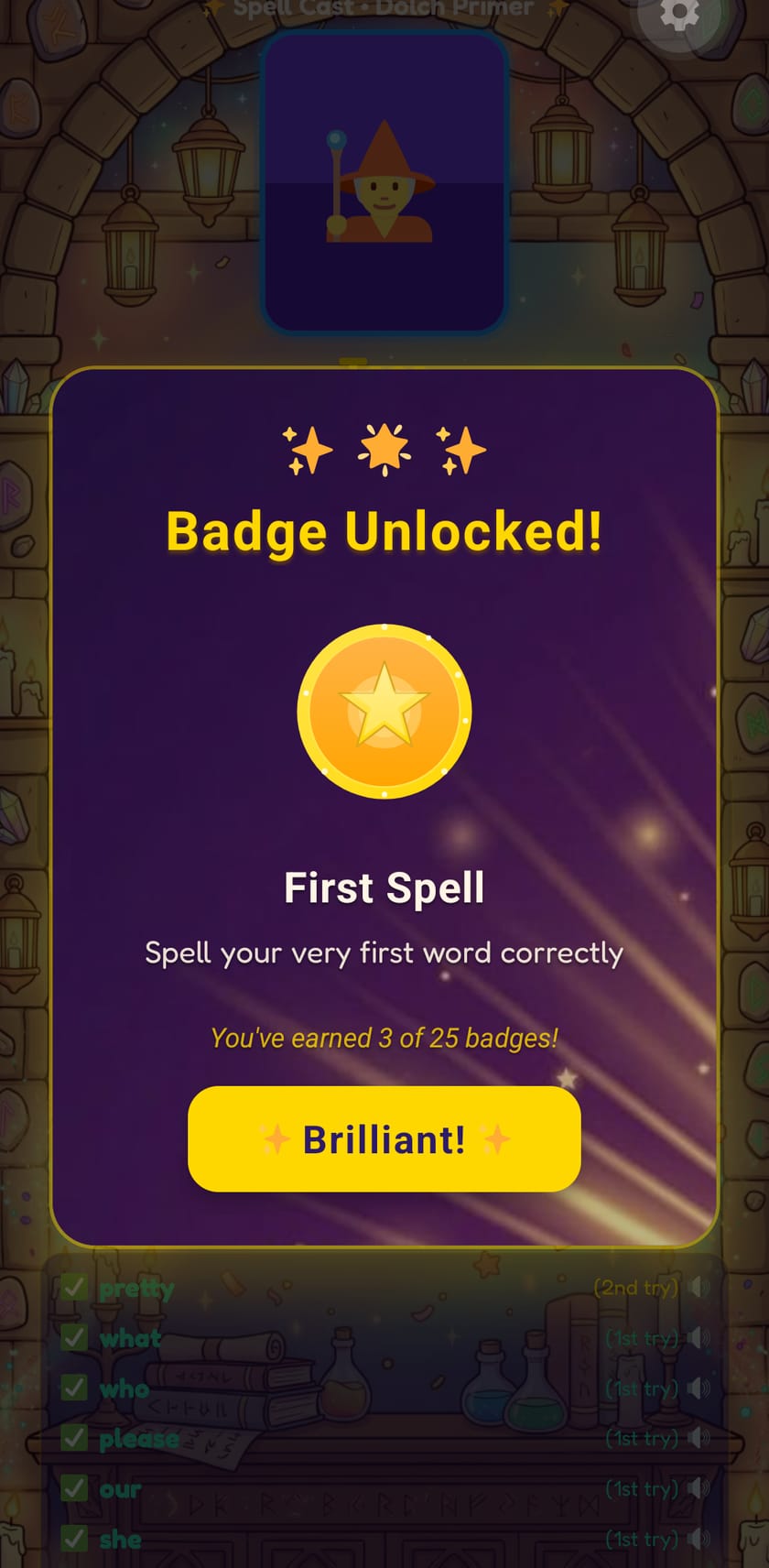
A badge for every milestone


Four ways to load a week's words
- Photo
- Point the camera at the printed list from school. SpellStar reads the words off the page, on the device.
- Type
- Enter the words by hand, the reliable old way.
- Share code
- A short code from a teacher or another parent loads the whole list at once.
- QR code
- Teachers running classroom mode can put a code on the board and the whole class scans it.
Parents and teachers get the full picture
- Parent area
- Progress reports across every word list, behind a PIN so small fingers stay in the games.
- Classroom mode
- Teachers manage lists for a whole class with share codes. No accounts, no roster uploads.
- Motivation
- Avatars to customise and badges to earn, tuned for encouragement rather than compulsion.
Nothing about your child leaves the device
SpellStar stores a first name, a school year, spelling lists, progress and a hashed PIN, all locally. There is no cloud, no account, no tracking and no advertising. The app is designed to meet COPPA and the UK Children's Code, with privacy at its strictest by default.
The free tier includes the Spell Cast game mode with full access to the curriculum lists. Paid plans from £3.49 a month unlock all thirteen modes, classroom features and detailed reports. Purchases go through the App Store or Google Play, confirmed anonymously by RevenueCat, and the details are all in the privacy policy.